Quick answer
What restaurant owners should do next
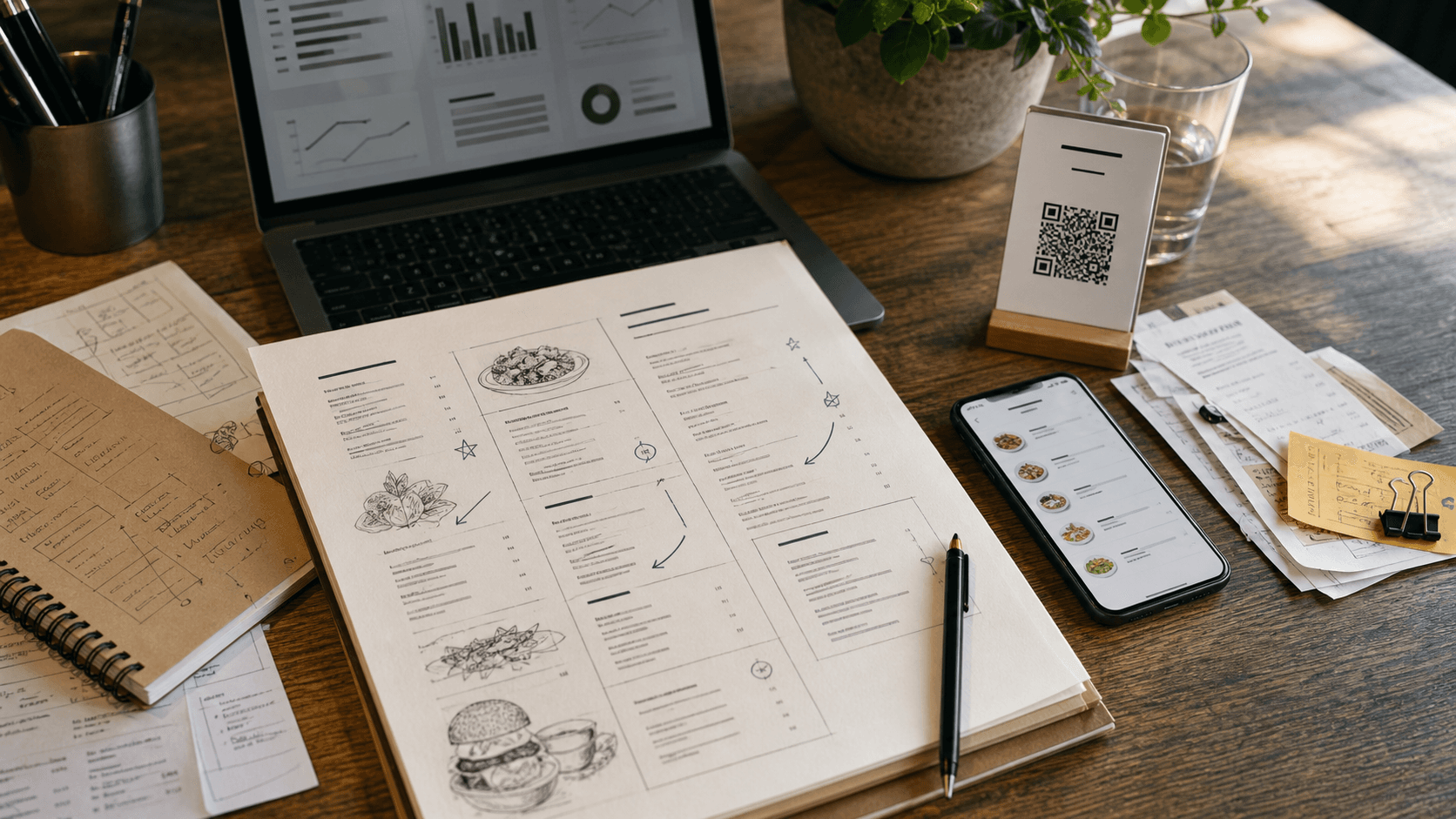
Use the article for strategy, then apply one visible menu change and measure whether guests scan, browse, and tap more items.
Every restaurant has a fixed number of seats and a fixed number of hours in the day. Once those constraints are set, the only way to grow revenue without raising prices is to serve more guests in the same space — which means turning tables faster.
But "faster" is a loaded word in hospitality. Push guests out too quickly and they leave bad reviews. Let tables sit idle between parties and you leave money on the table — literally.
TL;DR: Table turnover time is one of the most powerful levers for increasing restaurant revenue, but improving it requires precision, not pressure. Digital menus cut browsing time by 5-8 minutes. Mobile payment eliminates the check-waiting bottleneck. Kitchen display systems reduce ticket times by 15-20%. Smart reservation tools minimize empty-table gaps. Together, these tools can add one or more extra turns per table per service, translating to thousands of dollars in monthly revenue. The key: speed up the dead time, not the dining time.
Why Table Turnover Matters
Table turnover rate measures how many times a single table is occupied by different parties during a service period. It is the most direct lever you have for increasing revenue from your existing space.
Consider a 50-seat casual dining restaurant open for dinner from 5:00 PM to 10:00 PM. If the average table turn takes 75 minutes, each table serves about 4 parties per night. At an average check of $55 per table, that's $11,000 in dinner revenue.
Reduce the average turn time by just 10 minutes — from 75 to 65 — and each table can now serve roughly 4.6 parties per night. That's a 15% increase in capacity, translating to approximately $12,650 nightly. Over a month, that's an extra $49,500 without adding a single seat or raising a single price.
The numbers only work if you reduce the right minutes. There are two types of time in a dining experience:
Value time is when the guest is actively engaged — reading the menu, enjoying food, having conversation, savoring dessert. Compressing it makes guests feel rushed.
Dead time is everything else — waiting for a menu, waiting for a server to take the order, waiting for food, waiting for the check, waiting for the card to be processed, and the gap between parties. Guests don't enjoy this time and don't notice when it disappears.
This entire guide focuses on eliminating dead time while preserving value time. Technology is uniquely suited to this because most dead time exists due to manual bottlenecks that software and hardware can remove.
Measuring Your Current Turnover Rate
Before investing in any technology, establish a baseline. Many operators overestimate their turnover rate because they base it on busy Friday nights rather than weekly averages.
The Formula
Table Turnover Rate = Total Parties Served / Number of Tables
If you have 20 tables and served 68 parties during dinner, your turnover rate is 3.4 turns per table.
Benchmarks by Restaurant Type
Quick-service / fast-casual: 8-12 turns per day. Target seating time of 15-25 minutes.
Casual dining: 4-6 turns during peak service. Target seating time of 45-65 minutes.
Upscale casual: 2.5-4 turns per service. Target seating time of 60-80 minutes.
Fine dining: 1-2 turns per service. Target seating time of 90-120+ minutes.
Break it down by daypart and day of week. Your Tuesday lunch is a completely different number from Saturday dinner, and improving each requires different interventions. Look for your slowest turns first — that's where the biggest gains hide.
Calculate your average seating time too (total occupied minutes divided by total parties served). If your casual dining restaurant averages 82 minutes per table, you know exactly how many minutes you need to shave.
Digital Menus Reduce Browsing Time
At most restaurants, the first thing that happens after a guest sits down is waiting. Waiting for a server to bring menus. Waiting for everyone at the table to receive one. Waiting while the server explains specials verbally.
This initial wait typically adds 5-10 minutes of dead time before anyone even starts reading.
How Digital Menus Eliminate the Wait
A QR code menu is on the table before the guest arrives. No dependency on server availability. The moment a party sits down, every person can scan the code and start browsing simultaneously.
Parallel browsing. With physical menus, tables of four often share two copies or wait for extras. Digital menus let all four guests browse independently. Decisions happen faster because nobody waits for a menu to be passed around.
Better information, faster decisions. Photos of every dish, dietary tags, ingredient details, and modifiers help guests decide quickly. No more squinting at text-only descriptions and flagging down the server with questions.
Instant updates. When the kitchen runs out of the salmon, a digital menu reflects it immediately. No more guests ordering something unavailable, waiting for the bad news, and restarting the decision process.
Multi-language support. International guests can switch languages instantly on platforms like FlipMenu, which offers AI-powered translations. This eliminates the back-and-forth that slows ordering for non-native speakers.
The Numbers
Restaurants switching from paper to digital menus consistently report a 5-8 minute reduction in seating-to-order time. Saving 6 minutes per turn across 20 tables over 4 turns means recapturing 480 minutes of capacity per night — enough to seat an additional 6-8 parties.
Place QR codes at eye level on table tents, include a one-line instruction like "Scan to view our menu," and keep a few physical menus for guests who prefer them.
Mobile Ordering and Pay-at-Table
If the beginning of the meal is a bottleneck, the end is often worse. The check-payment cycle is the single largest source of dead time in full-service restaurants.
The typical sequence: guest signals for the check, server notices (eventually), prints and delivers it, guest reviews and places a card, server runs the card, brings the receipt for signature. Total elapsed time: 12-20 minutes, of which the guest is actively doing something for about 90 seconds.
How Mobile Payment Shrinks the Cycle
Pay-at-table technology lets guests view their check and pay on their own phone or a table-mounted device. The entire cycle — splitting the check, calculating tip, processing payment — takes 2-4 minutes instead of 12-20.
QR code payment lets the guest scan a code, view the itemized check, split it if needed, add a tip, and pay via Apple Pay, Google Pay, or a saved card. The server is notified the table has paid.
Tabletop devices like Ziosk or SpotOn tablets sit on the table and handle payment, bill splitting, and even reordering during the meal. Higher upfront cost but effective in high-volume casual dining.
Secondary Revenue Benefits
Higher tips. Digital payment with suggested tip amounts increases average tip percentage by 2-5 points.
Easier bill splitting. Groups split checks instantly instead of adding 5+ minutes of server time.
Impulse reordering. Some systems let guests order another round without flagging the server, increasing per-check revenue.
In casual and fast-casual restaurants, most guests view payment as a chore, not a moment of connection. Offering mobile payment as an option lets speed-seekers get it while traditional-preference guests still get the full service interaction.
Kitchen Display Systems and Order Routing
The kitchen is the hidden bottleneck. A perfectly efficient front of house still stalls if food takes too long. And often the delay isn't cooking time — it's communication time.
The Paper Ticket Problem
Illegible handwriting leads to errors and remakes, adding 10-15 minutes.
Lost tickets disappear under prep stations or stick together on the rail.
No prioritization. A ticket from a table waiting 25 minutes looks identical to one just submitted.
No routing logic. The expo must mentally parse each ticket and call items to the right station.
How KDS Systems Speed Up the Kitchen
A kitchen display system replaces paper tickets with screens displaying orders digitally.
Automatic station routing sends each item to the correct station's screen. The grill cook sees only grill items. No more shouting across the line.
Visual prioritization changes order colors based on elapsed time — green for new, yellow for approaching target, red for overdue. No ticket can hide on the rail.
Coursing and timing holds appetizer and entree courses separately, firing entrees only when apps are cleared.
Data capture timestamps every order at entry and completion, revealing which stations are bottlenecks and which items consistently take longer than expected.
Impact on Turnover
KDS implementations typically produce 15-20% reductions in average ticket time. For a casual restaurant where average ticket time is 18 minutes, that's 3-4 minutes saved per turn. Combined with digital menu and payment savings, you're looking at 15-20 minutes of dead time eliminated per table — the difference between 3.5 and 4.5 turns per service.
Smart Reservation and Waitlist Management
Table turnover isn't just about speed during the meal — it's also about the gap between parties. That gap is pure lost revenue, and it's often longer than operators realize.
The Cost of Empty Tables
If tables sit empty for 8 minutes between parties across 20 tables and 4 turns per night, that's 640 minutes of empty-table time per service. At $50 average revenue per table-hour, those gaps cost roughly $530 per night.
Predictive Table Management
Modern reservation platforms estimate dining duration based on party size, day of week, and historical data. This lets you stagger reservations more accurately, identify early opens when tables finish faster than predicted, and optimize party-to-table matching so you're not seating a couple at a four-top.
Digital Waitlists
Digital waitlist apps send automated text notifications when a table is approaching readiness. Guests wait at the bar, in their car, or nearby — then receive a text 5 minutes before their table is ready. The gap between parties shrinks from 8-10 minutes to 2-3 minutes because guests arrive ready to sit.
Pre-Ordering and Takeout Optimization
One effective way to increase dine-in capacity is to shift volume that doesn't need a table out of the dining room.
Pre-ordering for dine-in lets guests browse the menu and place orders before arriving. Food arrives shortly after they sit down. This is particularly effective for lunch service, families with young children, and large groups where coordinating 8-10 orders takes 15-20 minutes. Pre-ordering can cut 10-15 minutes off a turn.
Shifting volume to takeout frees tables for guests who actually want to dine in. A platform like FlipMenu makes this seamless: the same digital menu a dine-in guest uses serves as the browsing experience for takeout customers, with all the same photos, descriptions, and dietary information.
Staff Workflow Optimization with Technology
Technology doesn't replace good service — it removes friction that prevents your staff from delivering it.
Server Section Management
Modern POS systems give servers real-time visibility into every table's status: order progress, time alerts for tables waiting too long, and guest signals like mobile check requests. This eliminates unnecessary trips. A server who knows Table 12's entrees are 3 minutes from the pass doesn't need to walk to the kitchen to check.
Automated Table Status
The handoff between busser, host, and server is a frequent delay source. Table status systems let each team member update status with a single tap: Occupied, Cleared, Reset, Available. The host stand display updates in real time, and the next party is seated the moment a table is ready.
Reset Protocols
The target for most casual dining restaurants is a 3-5 minute full reset. Some table management systems include timed checklists for bussers — clear dishes, wipe table, replace setting, confirm QR code is clean and scannable, mark available. Tracking reset times identifies training needs and sets realistic expectations.
Free to start. Turn the ideas into a live menu.
Build a digital menu in minutes, update instantly, and see which items your guests actually tap.
The Guest Experience Balance
All of the technology above can backfire without attention to how it feels from the guest's perspective.
Guests want zero wait for administrative tasks: getting a menu, placing an order, receiving the check. But they want no pressure during enjoyable moments: browsing with interest, savoring a meal, finishing a conversation.
Technology naturally targets the first category without touching the second. A digital menu doesn't rush the guest — it just makes the menu available instantly. Mobile payment doesn't push guests out — it eliminates the 15-minute check dance when they've already decided to leave.
Signals That Feel Rushed (Avoid These)
Clearing plates while others are still eating.
Dropping the check before it's requested.
Aggressive table resets visible to current diners.
Pacing food too quickly — entrees arriving 90 seconds after appetizer plates are cleared.
Signals That Feel Attentive (Do These)
Proactive drink refills based on server alerts.
Accurate dietary information on the digital menu so guests order confidently without a lengthy server interrogation.
Smooth payment — no fumbling, no waiting, no awkward "do you need anything else?" when the guest clearly wants to leave.
The best restaurants use turnover technology invisibly. Guests never think about efficiency. They just notice that everything happened smoothly and they never waited for anything they didn't want to wait for.
A Phased Implementation Plan
Phase 1 (Week 1-2): Digital Menus. Deploy QR code menus on every table. Fastest win, no hardware needed. Platforms like FlipMenu can have you live in under an hour with a professional menu complete with photos, dietary tags, and analytics.
Phase 2 (Week 3-4): Payment Optimization. Enable pay-at-table through your POS or a standalone solution. Monitor payment cycle time before and after.
Phase 3 (Month 2): Reservation and Waitlist Technology. Upgrade your reservation platform or implement a digital waitlist with text-ahead notifications.
Phase 4 (Month 2-3): Kitchen Display System. Start with one screen at the expo station and expand to individual stations once the team is comfortable.
Phase 5 (Month 3+): Measurement and Refinement. Establish new baseline metrics — average seating time, turnover rate by daypart, between-party gap time, ticket time by station — and review weekly.
Frequently Asked Questions
What is a good table turnover rate for a restaurant?
It depends on your concept. Quick-service targets 8-12 turns per day. Casual dining aims for 4-6 turns during peak service with 45-65 minute seating times. Upscale casual targets 2.5-4 turns. Fine dining is usually 1-2 turns. The more useful metric is your trend — compare the same day and daypart across weeks rather than averaging everything together.
How much revenue can I gain by reducing table turnover time?
For every 10 minutes you reduce average seating time in a casual dining restaurant, you can serve approximately 15% more covers per service. For a 50-seat restaurant with a $55 average table check and 4 turns per night, that 15% increase adds roughly $1,650 per night or $49,500 per month. Even a 5-minute improvement generates meaningful revenue because gains compound across every table, every service, every day.
Will faster table turnover hurt the guest experience?
Not if you focus on eliminating dead time rather than rushing the dining experience. Guests don't enjoy waiting for menus, checks, or card processing. Removing those waits actually improves the experience. The risk comes from cutting into value time — rushing food courses, clearing plates prematurely, or signaling to guests that they should hurry. Technology targets the mechanical, administrative parts of the dining cycle while leaving the human, experiential parts untouched.
Do I need expensive hardware to improve table turnover?
No. Digital menus via QR codes require almost no investment — just a platform subscription and printed codes. Mobile payment solutions are typically software-only and integrate with your existing POS. Kitchen display systems do require screens, but a single display at the expo station costs a few hundred dollars and delivers most of the benefit. Start with low-cost, high-impact tools first.
How do I get my staff on board with turnover-focused technology?
Frame it around their benefit. Servers who turn tables faster earn more tips per shift. Hosts who manage waitlists digitally deal with fewer angry guests. Kitchen staff using a KDS deal with fewer errors and remakes. Involve your team in implementation — let servers test the digital menu from the guest's perspective, ask cooks for input on KDS layout, and give hosts a say in waitlist messaging. Resistance usually comes from unfamiliarity, not genuine objection. Once staff use the tools for a week, adoption is rarely an issue.