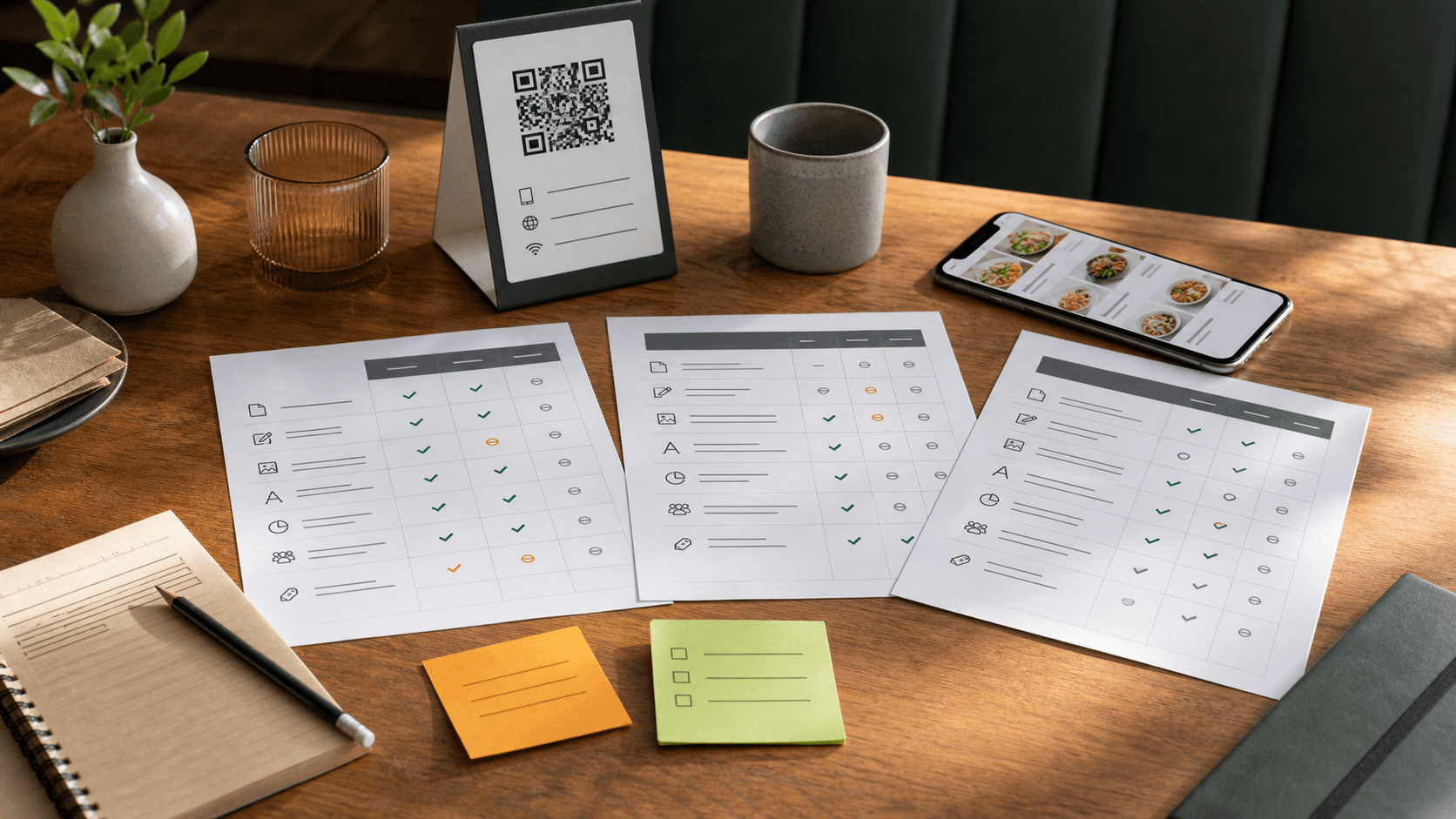
Easy migration
No technical skills needed
CSV, PDF, or manual import
Use what you already have
Usually under 30 minutes
From export to publish
We're here to help
Real support from real humans
1
1 Export
Export your menu from your current platform as CSV, PDF, or another supported format.
2
2 Import
Upload your file to FlipMenu. We'll map your items, categories, and modifiers.
3
3 Review
Quickly review and adjust menu, prices, images, and settings before publishing.
4
4 Publish
Generate your QR code and go live. Your existing QR workflow keeps working.
为何从 Applova 切换?
- No free tier
- Menu customization is secondary to ordering
- No AI translations
- Higher price for menu-only use
- Overkill if you just need menus
What changes after moving
- AI-powered translations into 50+ languages
- Advanced combo builder with live pricing
- Comprehensive analytics dashboard
- Generous free plan (15 items, 1 QR code)
Feature comparison
Applova vs FlipMenu 功能对比
| Feature | FlipMenu | Applova |
|---|---|---|
| Menu Creation | Excellent5 out of 5 | Good3 out of 5 |
| QR Codes | Excellent5 out of 5 | Good3 out of 5 |
| Ordering | Limited1 out of 5 | Excellent5 out of 5 |
| Analytics | Excellent5 out of 5 | Good3 out of 5 |
| Customization | Excellent5 out of 5 | Basic2 out of 5 |
| Translations | Excellent5 out of 5 | Limited1 out of 5 |
| Integrations | Basic2 out of 5 | Strong4 out of 5 |
| Mobile Experience | Excellent5 out of 5 | Strong4 out of 5 |
What you'll gain with FlipMenu
Save time
Update once, live everywhere.
Sell more
See what works and optimize.
Serve everyone
Menus in every language.
Pay less
Transparent pricing, no surprises.
Questions
常见问题
Quick answers for restaurant owners before switching or signing up.
Live QR menu in minutes
No credit card required
15 items + 1 QR code free
Import PDF, image, CSV, or text
Real-time prices