Quick answer
What restaurant owners should do next
Use the article for strategy, then apply one visible menu change and measure whether guests scan, browse, and tap more items.
Digital menus are transforming the way restaurants present their offerings to customers. Instead of handing over a physical paper menu, you provide a QR code that opens a mobile-friendly web page with your full menu. No app downloads, no waiting — just scan and browse.
Whether you run a fine-dining restaurant, a casual cafe, or a food truck, digital menus can save you money, improve the customer experience, and give you data you never had before. This guide covers everything you need to get started.
What Is a Digital Menu?
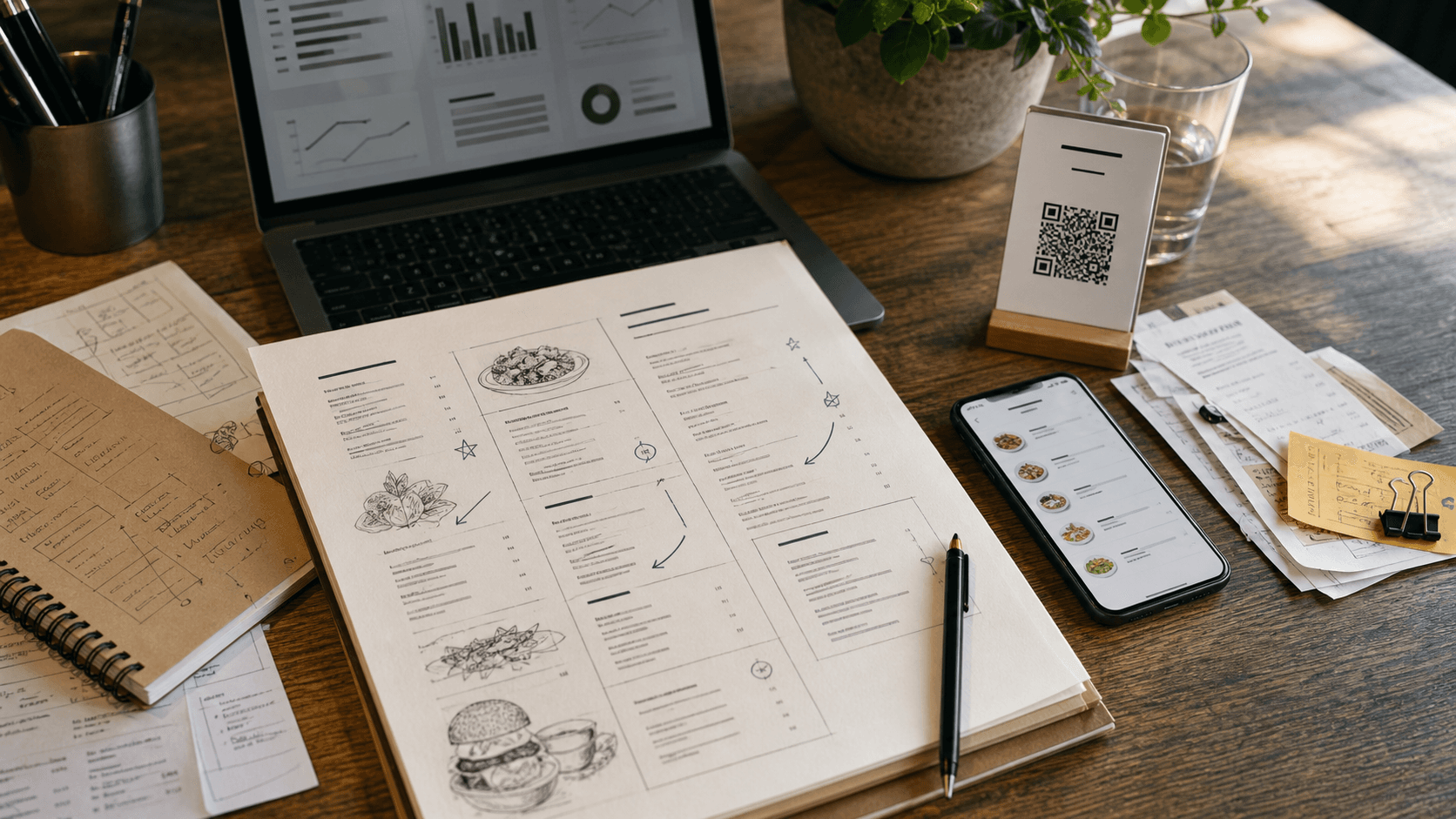
A digital menu is a web-based version of your restaurant's menu that customers access on their own phones. Typically, you place a QR code on each table, at the counter, or at the entrance. When a customer scans it, their browser opens your menu page — no app installation required.
Unlike a PDF uploaded to your website, a proper digital menu is a responsive, interactive web page. Customers can scroll through categories, tap on items for details, filter by dietary preferences, and even switch languages. It looks and feels native on any device.
Why Restaurants Are Switching to Digital Menus
Instant Updates
Change a price, add a seasonal special, or remove a sold-out item — updates go live immediately. No reprinting, no stickers over old prices, no waiting for the next batch of menus to arrive from the printer.
Cost Savings
Printing menus is expensive, especially if you update them frequently. A digital menu eliminates recurring print costs entirely. For a restaurant that reprints menus quarterly, that can add up to hundreds or thousands of dollars per year.
Richer Customer Experience
Digital menus can include high-quality photos, detailed descriptions, allergen information, and dietary tags (vegan, gluten-free, halal). Customers can filter and search, which reduces questions for your staff and speeds up ordering.
Multi-Language Support
If your restaurant serves international guests, a digital menu can offer instant language switching. AI-powered translation tools make it practical to support dozens of languages without hiring translators for every menu update.
Real-Time Analytics
With a digital menu, you can see which items customers view most, when your busiest hours are, and how long people spend browsing. This data helps you optimize your menu layout, pricing, and promotions.
Sustainability
Eliminating paper menus is a small but meaningful step toward reducing waste. Customers increasingly appreciate businesses that make environmentally conscious choices.
How to Create a Digital Menu in 5 Steps
Step 1: Choose a Platform
Look for a digital menu platform that offers QR code generation, mobile-optimized design, and easy content management. FlipMenu, for example, lets you create a fully branded menu page in minutes without any coding.
Step 2: Add Your Menu Content
Enter your categories (Appetizers, Mains, Desserts, Drinks) and add items with names, descriptions, and prices. Upload photos if you have them — items with images get significantly more attention.
Step 3: Customize the Design
Match your digital menu to your restaurant's branding. Set your colors, upload your logo, choose fonts, and pick a layout that fits your style. The goal is for the digital menu to feel like a natural extension of your restaurant.
Step 4: Generate and Print QR Codes
Create QR codes that link to your menu. Print them on table tents, stickers, or cards. Place them where customers will see them: on each table, at the entrance, and on your takeout packaging.
Step 5: Monitor and Optimize
Once your menu is live, check your analytics regularly. See which items get the most views, identify drop-off points, and experiment with menu organization. Small changes — like moving a high-margin item to the top of a category — can have a real impact on revenue.
Best Practices for Digital Menu Design
Use High-Quality Photos
Items with photos consistently outperform those without. You don't need a professional photographer — a well-lit smartphone photo on a clean background works well. Just make sure images are clear and appetizing.
Write Clear, Appetizing Descriptions
Keep descriptions concise but evocative. Instead of "Chicken sandwich," try "Grilled herb chicken with roasted peppers and garlic aioli on a toasted brioche bun." The description should make the customer want to order.
Organize by Category
Group items logically. Most restaurants use categories like Starters, Mains, Sides, Desserts, and Drinks. If your menu is large, consider sub-categories. The goal is to make browsing easy — customers shouldn't have to scroll endlessly to find what they want.
Apply Pricing Psychology
Avoid listing prices in a column on the right side, which encourages price-shopping. Instead, place the price at the end of the item description. Drop currency symbols where possible (e.g., "12.50" instead of "$12.50") — research shows this can reduce price sensitivity.
Include Dietary Information
Mark items as vegan, vegetarian, gluten-free, or halal with clear tags. This helps customers make quick decisions and reduces questions to your waitstaff. With a digital menu, these tags can also power a filter feature so customers can instantly see only the items that match their dietary needs.
Keep It Mobile-First
Most customers will view your digital menu on a phone. Make sure text is readable without zooming, buttons are large enough to tap, and the page loads fast. Test your menu on multiple devices before going live.
Free to start. Turn the ideas into a live menu.
Build a digital menu in minutes, update instantly, and see which items your guests actually tap.
Measuring Your Digital Menu's Success
Key Metrics to Track
Total scans: How many times your QR codes are being scanned each day.
Page views per session: Are customers browsing deeply, or leaving after one look?
Most-viewed items: Which dishes get the most attention? Are they your most profitable?
Time on menu: Longer browsing time often correlates with higher order values.
Peak hours: When are most customers scanning? This data can help with staffing and specials.
Acting on the Data
If a high-margin item isn't getting views, try moving it to a more prominent position. If customers are spending a long time in one category but not ordering, the descriptions or photos might need improvement. Analytics turn your menu from a static list into a strategic tool.
Frequently Asked Questions
Do customers need to download an app?
No. Digital menus are standard web pages that open in any phone's browser. Customers simply scan a QR code and the menu appears instantly.
What if my customers aren't tech-savvy?
QR code scanning is built into every modern smartphone's camera app. If a customer has trouble, your staff can help them point their camera at the code. You can also keep a few paper menus available as backup.
Can I still use paper menus alongside digital ones?
Absolutely. Many restaurants offer both during a transition period. Over time, most find that customers prefer the digital version and paper menus become unnecessary.
How much does a digital menu cost?
Costs vary by platform. FlipMenu offers a free plan that covers the essentials, with premium plans starting at $10/month for advanced features like analytics, custom branding, and AI translations. For a full side-by-side comparison of platforms, see our best digital menu software guide.
How do I update my menu?
Log into your dashboard, make the change, and save. Updates are reflected on your live menu immediately — no need to regenerate QR codes or reprint anything.
Will a digital menu work for my type of restaurant?
Digital menus work for virtually any food service business: sit-down restaurants, fast casual, cafes, bars, food trucks, hotel dining, and even catering companies. If you have a menu, you can make it digital.